New York, NY · Enterprise Salesforce expertise+1 (347) 254 7642
In Wyandotte County, the systems that matter most are often not the CRM. A freight terminal runs on its transportation management system, a plant on its ERP, a hospital on its electronic health record. Salesforce is useful to those businesses only when it can see what those systems know. Zivoke provides Salesforce integration services in Kansas City, Kansas and across the metro, connecting Salesforce to the systems your operations depend on so account, service and sales teams stop retyping data.
Each connection starts with three questions answered in writing: which system owns each piece of data, how often it needs to move, and what happens when a transfer fails. You get a scope and estimate before any build begins.
Wyandotte County's economic development agency lists healthcare, transportation and warehousing, manufacturing and retail as the county's largest employment sectors. Each sector brings its own core systems, so Salesforce integration services in Kansas City look different from one industry to the next. The table shows the connections we scope most often. The examples describe industry patterns, not Zivoke clients.
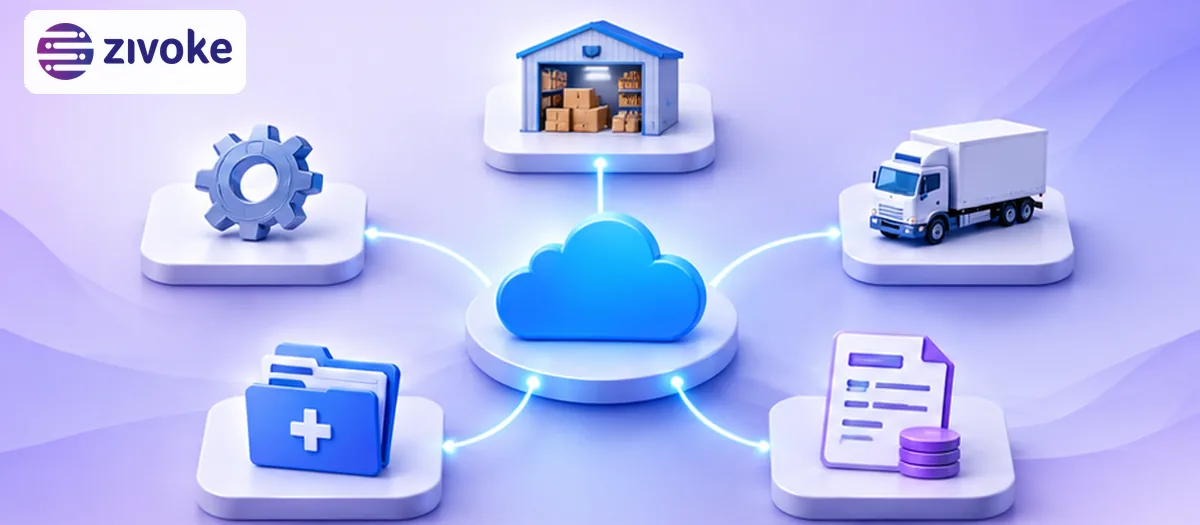
| Sector | Systems usually connected | What Salesforce users need from them |
|---|---|---|
| Parcel, rail, trucking and wholesale distribution | Transportation management (TMS), warehouse management (WMS), EDI, telematics | Shipment status, claims, delivery exceptions and billing for each customer account |
| Auto, building products and food manufacturing | ERP, manufacturing execution (MES), EDI | Orders, pricing, inventory, quality issues and dealer or retailer accounts |
| Academic medicine and health systems | Electronic health record (EHR) through HL7 or FHIR interfaces, scheduling | Referral status, appointment availability and outreach lists, without copying full clinical records |
| Nonprofits and community organizations | Payment, online giving and event platforms | Gifts, recurring donations and event registrations linked to one person |
| Most companies | Accounting, marketing automation, identity provider | Invoices and payment status, campaign responses, single sign-on |
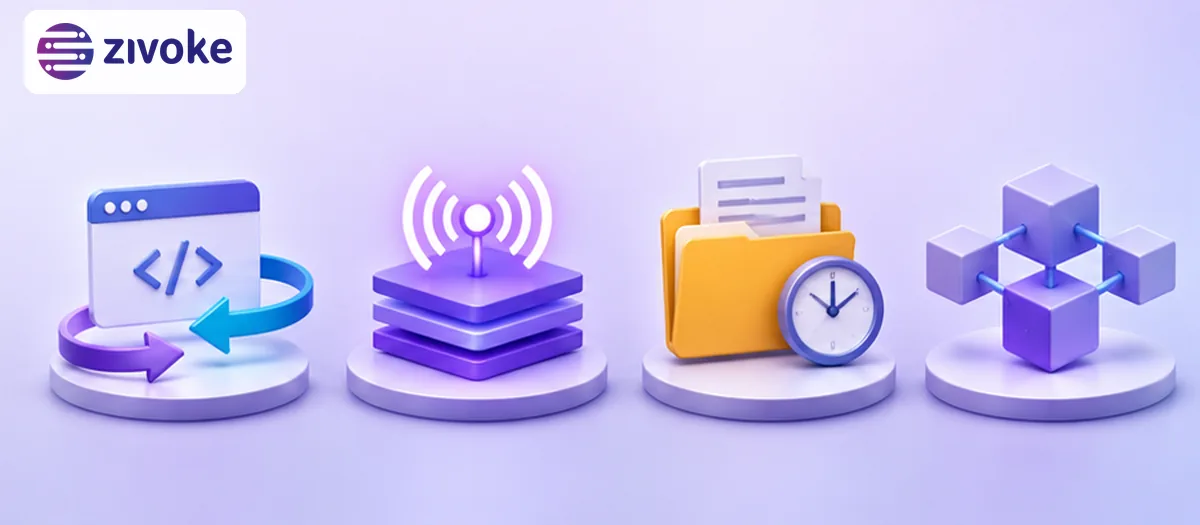
Salesforce supports several ways to exchange data. The right one depends on what the other system can do and how current the data must be. A Salesforce integration partner in Kansas City should explain that choice to you, not just pick a favorite tool. For our wider integration practice, see Salesforce integration.
Salesforce's REST and SOAP APIs let another system read or update records on demand, and let Salesforce call out to a system that publishes its own API. This suits lookups such as current order status.
The Bulk API moves large batches of records efficiently, such as a nightly load of invoices or a one-time migration of historical shipments.
Platform Events and Change Data Capture publish a message when a record changes, so other systems can react without polling Salesforce every few minutes.
Salesforce Connect can show records from an external system inside Salesforce without storing them, which helps when data must stay in its home system.
When several systems need the same data, an integration platform such as MuleSoft, or custom Apex, can manage the routing in one place. We recommend middleware only when the number of connections justifies its cost. Custom work is done by our Salesforce development team.
| Situation | Method that usually fits | Watch out for |
|---|---|---|
| A rep needs live order or shipment status on an account | API lookup from Salesforce | The other system's API limits and response time |
| Thousands of invoices or shipments change each day | Scheduled bulk load | Users must know the data is as of the last load, not live |
| Another system must act the moment a case or order changes | Platform Events or Change Data Capture | Messages need retry handling if the receiving system is down |
| The other system only exports files | Scheduled file transfer, then a bulk load | File format changes break the load, so agree a format owner |
| Five or more systems share the same customer data | Middleware | License and maintenance cost against the number of connections |
| Data must stay in its source system for policy reasons | Salesforce Connect | Some reporting features work differently on external data |
When we scope Salesforce integration services in Kansas City, ownership is the first thing we settle, because most integration problems are ownership problems. If both Salesforce and the ERP can change a customer's billing address, they will eventually disagree. Before building, we write down a short data contract for each connection:
For companies on both sides of the state line, the contract also records which legal entity and finance system each account belongs to, so Kansas and Missouri records do not merge by mistake.
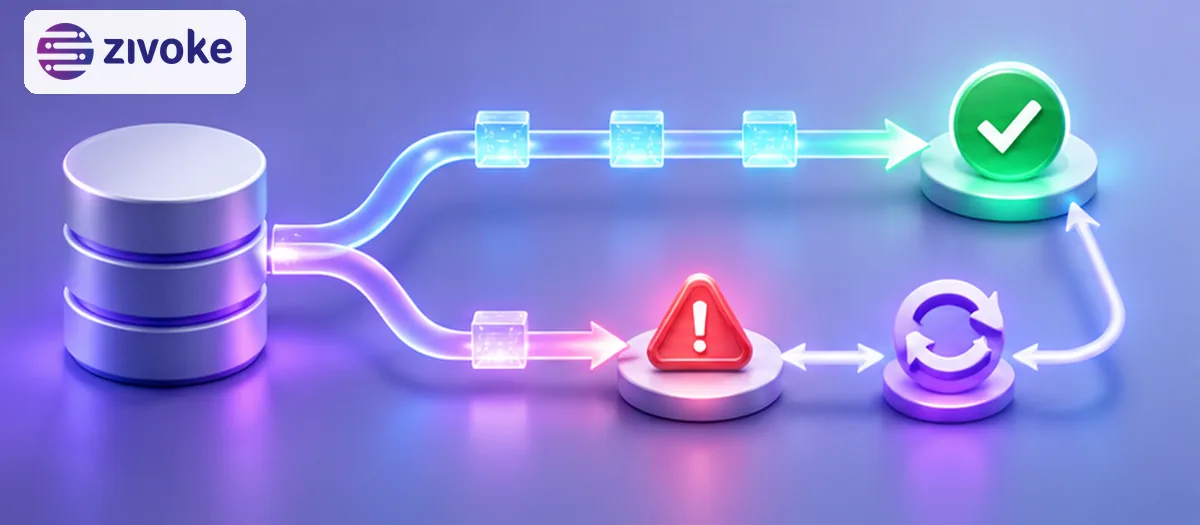
Every integration fails sometimes: a password expires, a partner system goes down for maintenance, or a record breaks a validation rule. Good integration design plans for that from the start.
Parcel and fulfillment operations in the county are at their busiest from late fall through the holidays, and many distributors and food producers follow a similar pattern. That is the worst time to change an integration that feeds billing or shipment status. We plan new connections and major changes for quieter months, and keep peak-season work to monitoring and urgent fixes. Plants planning a model changeover or a system upgrade on the ERP side need the same coordination, because an ERP change can quietly break a Salesforce connection.
Whoever you hire, these questions show whether they have thought past the first connection:
We price Salesforce integration services in Kansas City per connection rather than as a package. Each estimate reflects your objectives, the deliverables and the expertise required, and you receive it in writing before work starts. The main drivers:
Our published case study is for AstroLabs, which supports companies setting up in Saudi Arabia. From October 2022 to May 2023, we delivered Sales Cloud and Community Cloud with automated dates and reminders driven by status changes, weekly client status emails, KPI reporting by account manager, a client portal that opens phases in order, and a Web-to-Lead feedback form that records consent. Details are in the AstroLabs case study.
"The training they offered was excellent and customized to our needs."
Our certifications include:
Reviews from our clients appear on Clutch.
Zivoke works from New York, one hour ahead of Kansas City, and delivers integration work remotely. Most of it happens in test environments, shared logs and scheduled calls with your IT team and the owners of the other systems. When a cutover needs extra coverage, we agree the support hours in advance.
We work with companies across Wyandotte County, from the Fairfax Industrial District and Armourdale to the Kansas City, Kansas medical district near 39th and Rainbow, plus Johnson County and Kansas City, Missouri. Ongoing monitoring and fixes can continue under our Salesforce managed support.
List the systems your teams switch between every day, and we will help you decide which ones Salesforce should talk to, in which direction and how often. That map is the starting point for Salesforce integration services in Kansas City that your staff will actually trust.
Map Your Salesforce Integrations